
The winning bidder needs to log into their account and go to their invoice list from the dashboard.
One the invoice list, they would locate the invoice line for the auction the titled/registered item was won on.
There will be a 'Vehicle registration form' link they will click on to be able to complete the form. (The form can be edited a few times if necessary.) Once complete, they need to click submit.
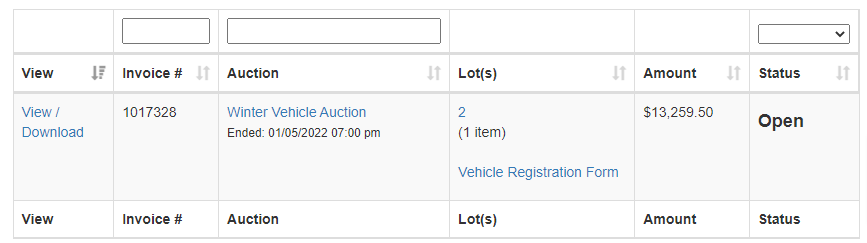
If the bidder does not see the link on the invoice line, above the invoice list, there will be a message 'Invoice xxxxx needs you to provide some additional information. Click to respond'.
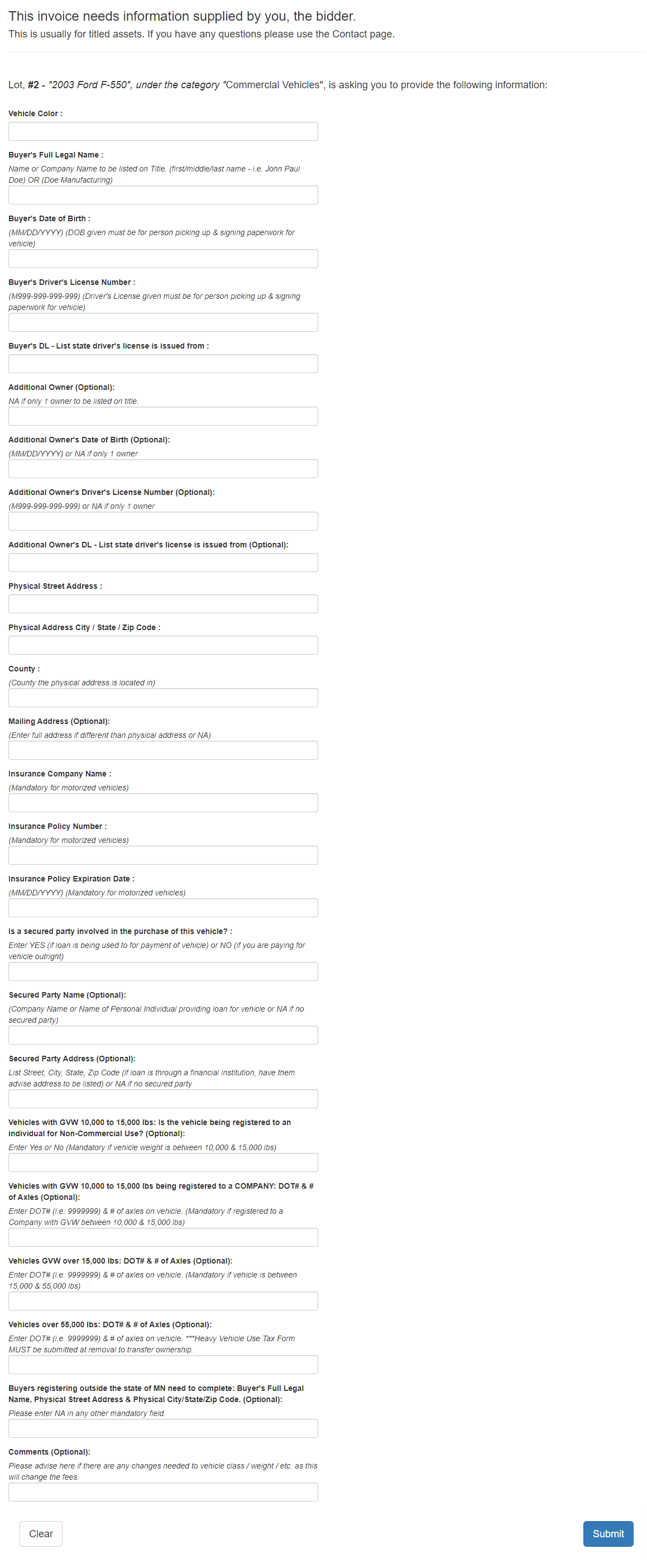
Sample of one type of registration form:
Comments
0 comments
Please sign in to leave a comment.