
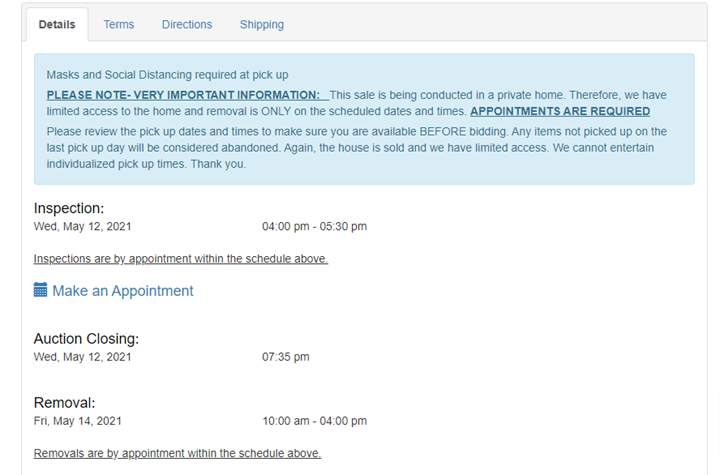
Auction details with Inspection/Removal by Appointment:
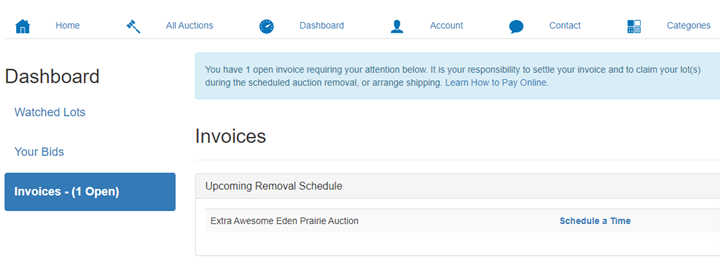
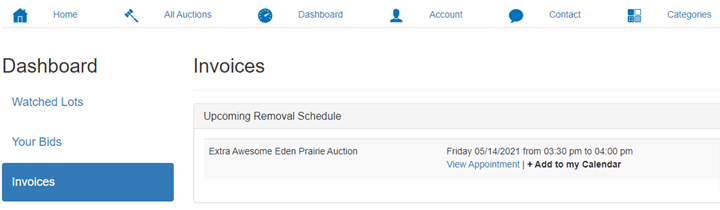
To make an appointment from bidder dashboard, click on 'Invoices' from the left hand side of screen. Above the list of invoices, a notice with 'Upcoming Removal Schedule' will appear for each auction that has a removal that requires an appointment.
When the bidder clicks on 'Schedule a Time' the following page will appear:
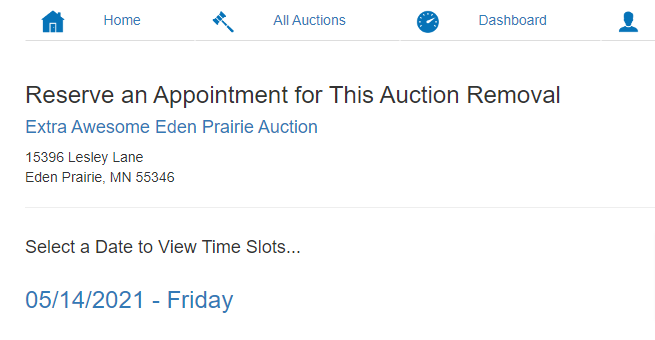
The bidder will click on the date (some auction provide more than 1 day to choose from), so they can choose the timeframe they wish to pick up within.
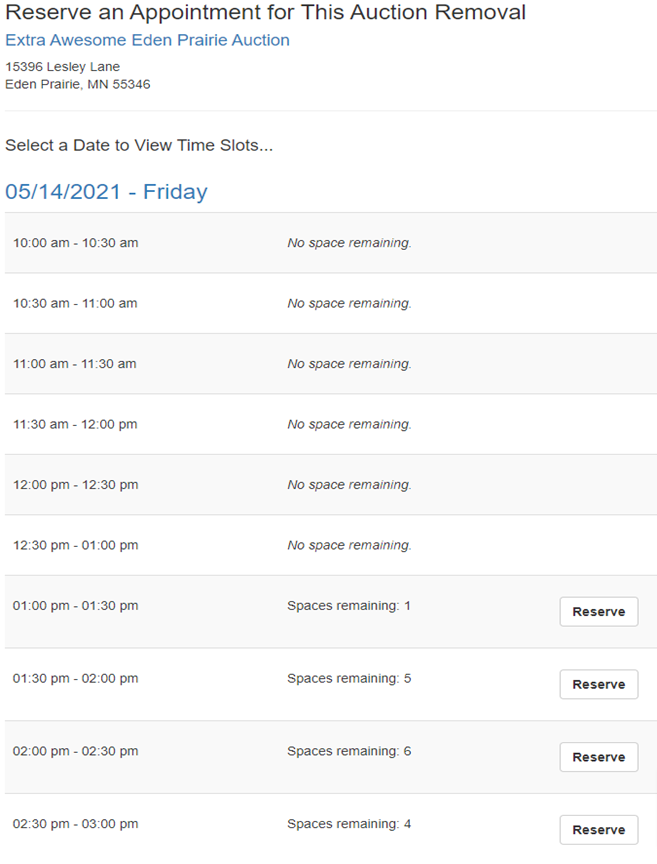
Once a date & time have been chosen, the following will show on their dashboard:
Comments
0 comments
Please sign in to leave a comment.