
To add a credit card or change the credit card listed on a bidder account, bidder must log into their account.
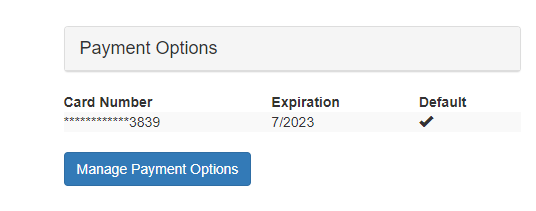
Go to their Account tab, then click on 'Manage Payment Options' listed under Payment options.
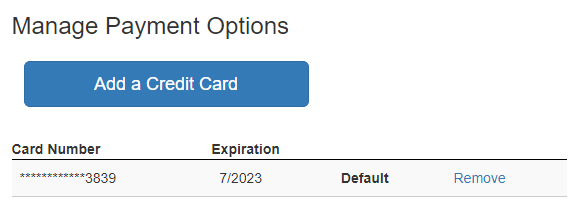
Click 'Add a Credit Card'
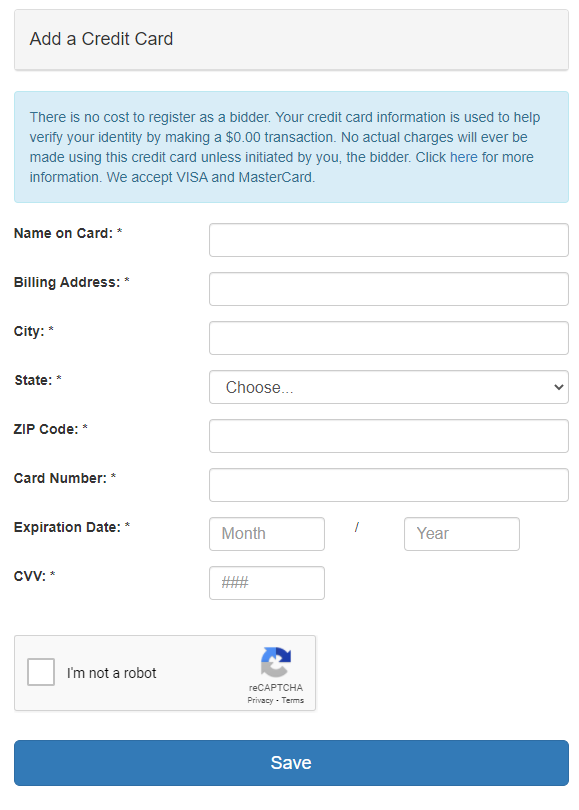
Complete form, check box for 'I'm not a robot' and click Save.
When multiple cards are listed, the bidder must note which card is the default card to use.
Comments
0 comments
Please sign in to leave a comment.