
To submit an original ticket through Zendesk with an attachment, have the bidder take the following steps:
On K-BID website, go to the Contact tab
Click on the Help Center button

In the top right hand corner of the screen, click on Submit a Request

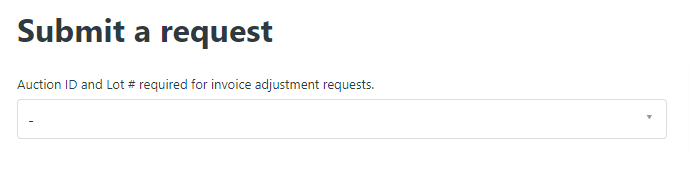
Choose Bidder ticket from drop down list
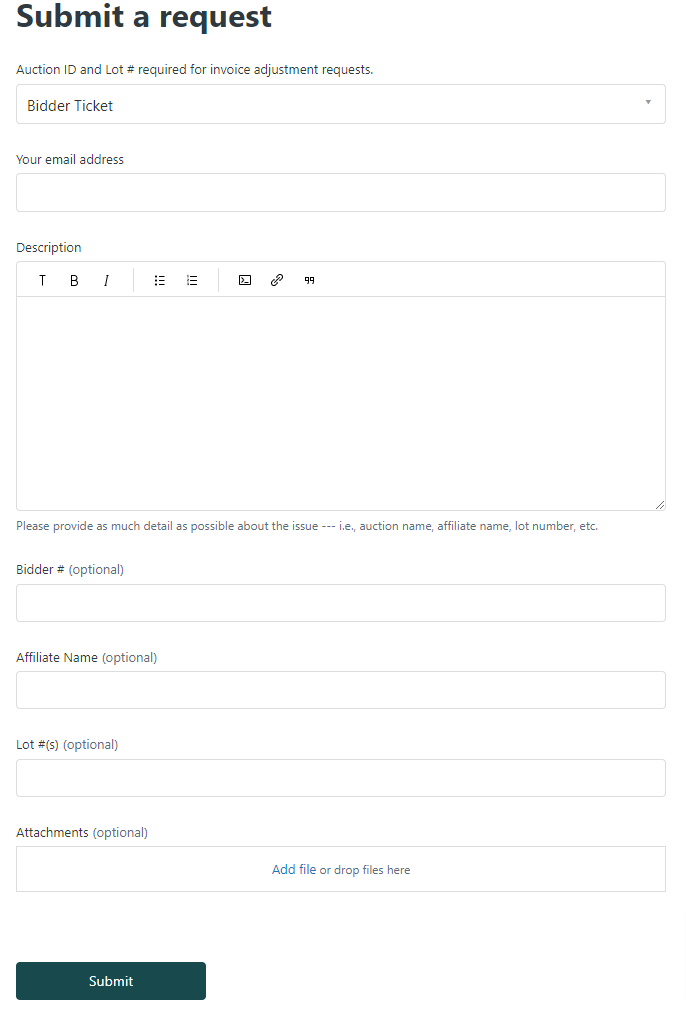
Complete the form with attachment and click submit
Comments
0 comments
Please sign in to leave a comment.